AI Code Generation with Flutter — Using Claude Code in Your Workflow
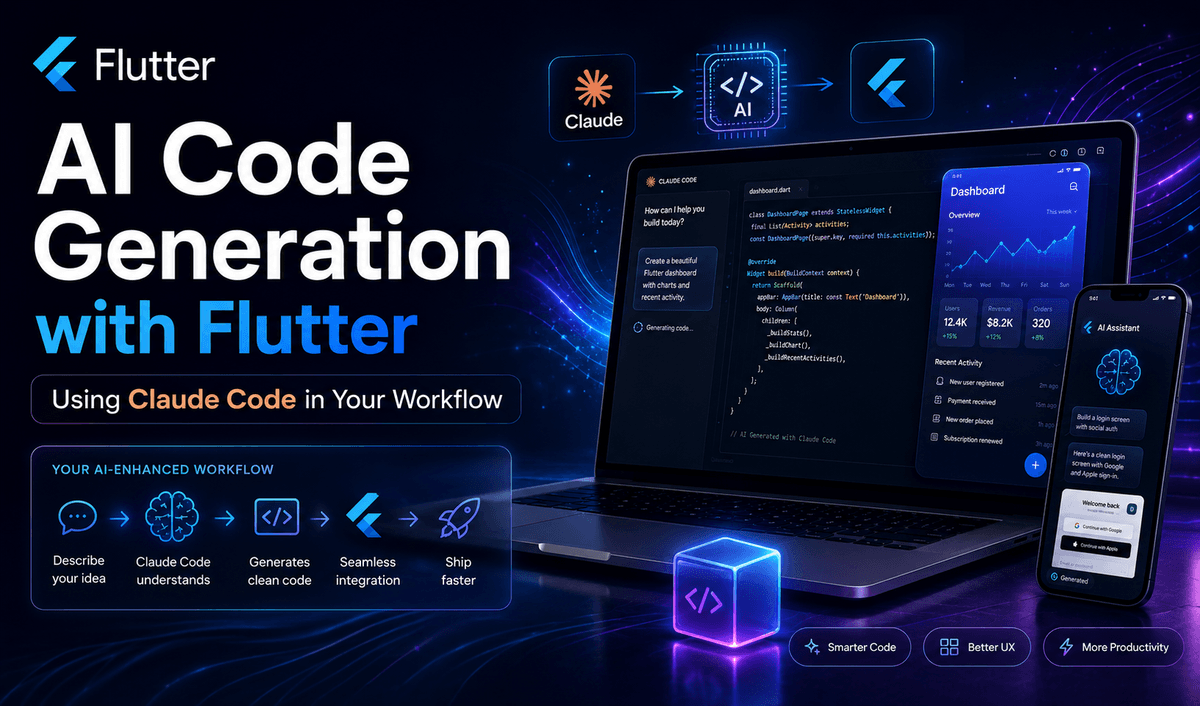
AI Code Generation with Flutter — Using Claude Code in Your Workflow
Introduction
Artificial Intelligence is rapidly transforming software development, and Flutter developers are among the biggest beneficiaries. Modern AI coding assistants can generate code, explain complex concepts, review architecture decisions, and even help debug production issues.
One of the most powerful tools available today is Claude Code, an AI-powered coding assistant designed to help developers write better software faster. Instead of replacing developers, Claude Code acts as a highly capable pair programmer that can accelerate development while maintaining code quality.
In this article, we'll explore how Flutter developers can integrate Claude Code into their daily workflow, improve productivity, and build applications more efficiently.
What is Claude Code?
Claude Code is an AI coding assistant developed by Anthropic that helps developers:
Generate code from natural language prompts
Refactor existing code
Debug errors and exceptions
Create documentation
Explain unfamiliar codebases
Generate tests
Assist with architecture decisions
Unlike traditional autocomplete tools, Claude Code can understand larger contexts and provide more comprehensive solutions across an entire project.
For Flutter developers, this means spending less time on repetitive coding tasks and more time focusing on product development.
Why Flutter Developers Should Use AI Code Generation
Flutter development often involves writing repetitive boilerplate code such as:
Models
API services
State management classes
Repository layers
Form validation
Widget structures
Unit tests
AI can generate these components in seconds.
Benefits
Faster Development
Tasks that previously required 30–60 minutes can often be completed in minutes.
Reduced Boilerplate
Generate repetitive code automatically and focus on business logic.
Better Learning
Claude Code can explain unfamiliar Flutter concepts, making it a powerful learning companion.
Improved Documentation
Generate README files, code comments, and technical documentation effortlessly.
Enhanced Testing
Create widget tests and unit tests with minimal effort.
Setting Up Claude Code for Flutter Projects
Before using Claude Code effectively, organize your Flutter project properly.
A recommended structure:
lib/
├── core/
├── features/
│   ├── auth/
│   ├── profile/
│   └── home/
├── services/
├── repositories/
├── models/
└── main.dart
A clean architecture helps Claude understand your codebase and generate more accurate suggestions.
Practical Workflow Examples
1. Generate Flutter Models
Instead of manually creating models:
Prompt:
Generate a Flutter User model with:
- id
- name
- email
- avatarUrl

Include:
- fromJson()
- toJson()
- copyWith()
Claude can instantly generate a production-ready model.
2. Create API Services
Prompt:
Create a Flutter API service using Dio.

Requirements:
- GET users
- POST user
- Error handling
- Clean architecture friendly
The generated code often includes service classes, exceptions, and proper async handling.
3. Build UI Components
Prompt:
Create a modern Flutter login screen.

Requirements:
- Material 3
- Email field
- Password field
- Validation
- Responsive layout
Claude can generate complete widget trees in seconds.
4. Generate Riverpod Providers
Prompt:
Create a Riverpod AsyncNotifier for loading products from an API.
This is especially useful when working with complex state management systems.
Using Claude Code for Clean Architecture
Many Flutter teams adopt Clean Architecture because it improves maintainability.
Claude can help generate:
Data Layer
DTOs
API services
Repository implementations
Domain Layer
Entities
Repository contracts
Use cases
Presentation Layer
Riverpod providers
UI screens
State classes
Example prompt:
Generate a Clean Architecture structure for a Flutter authentication feature using Riverpod and Dio.
This can save hours of setup time.
Debugging Flutter Apps with Claude
AI is not only useful for generating code.
You can paste errors such as:
LateInitializationError:
Field '_controller' has not been initialized.
And ask:
Explain the cause and provide multiple solutions.
Claude typically identifies:
Root cause
Affected code
Recommended fixes
Best practices
This often reduces debugging time significantly.
Generating Unit Tests
Testing is one of the most neglected areas in Flutter development.
Claude can help create:
Unit tests
Widget tests
Repository tests
Mock implementations
Prompt:
Generate Flutter widget tests for the LoginScreen widget.
This makes it easier to maintain high code quality standards.
Best Practices When Using Claude Code
Provide Context
Bad prompt:
Create a Flutter screen.
Good prompt:
Create a Flutter product details screen.

Requirements:
- Material 3
- Riverpod
- Responsive design
- Product image gallery
- Add to cart button
The more context you provide, the better the output.
Use Incremental Prompts
Instead of generating an entire application at once, work feature by feature.
Example:
Generate models
Generate API layer
Generate repositories
Generate providers
Generate UI
This produces cleaner and more maintainable code.
Review Everything
Never blindly copy AI-generated code.
Always verify:
Performance
Security
Architecture consistency
Error handling
Null safety
AI accelerates development, but developers remain responsible for code quality.
Common Flutter Tasks Perfect for AI
Claude excels at generating:
Riverpod providers
Freezed models
JSON serialization
API clients
Form validation
Firebase integration
Authentication flows
Unit tests
Widget tests
Documentation
CI/CD configurations
These tasks are often repetitive and highly suitable for AI assistance.
Limitations of AI Code Generation
While AI is powerful, it is not perfect.
Potential issues include:
Outdated package usage
Architecture inconsistencies
Missing edge cases
Performance concerns
Incorrect assumptions
For this reason, AI should be viewed as a productivity tool rather than a replacement for software engineering knowledge.
Real Productivity Gains
Many Flutter developers report significant improvements when integrating AI into their workflow:
Faster feature delivery
Reduced boilerplate coding
Better documentation
Improved testing coverage
Quicker onboarding for new technologies
The biggest advantage is not writing less code—it's spending more time solving business problems.
Conclusion
Claude Code is becoming an essential tool for modern Flutter development. By integrating AI into your workflow, you can automate repetitive tasks, accelerate feature development, improve documentation, and generate tests more efficiently.
The most successful developers will not be those who ignore AI, but those who learn how to collaborate with it effectively.
When used correctly, Claude Code becomes a powerful development partner that helps Flutter developers build better applications faster while maintaining high-quality standards.
As AI tools continue to evolve, mastering AI-assisted development may become one of the most valuable skills in a Flutter developer's toolkit.